
360° photography and video allow customers to explore a product from every angle before buying. In ecommerce, this view reduces uncertainty, reveals details a front-facing image cannot convey, and helps present the item with greater transparency.
Not every product requires a 360° experience. It works particularly well when shape, finishes, or volume influence the purchase decision. In this guide we explain when it adds value, how it’s produced, and which files should be prepared for an online store.
Contents
What a 360° experience for ecommerce is
A 360º experience consists of a series of photographs taken around the product. The viewer plays these images in sequence and allows users to rotate the object with the mouse, touch, or the arrow keys. Shoppers can inspect the sides, rear, closures, soles, connectors and other details that typically fall outside a front-facing photo.
The result is not just another image. It is a reference tool: it provides a coherent, repeatable and controlled view so the user can understand shape, scale and finish without touching the product.
When a 360º view adds value
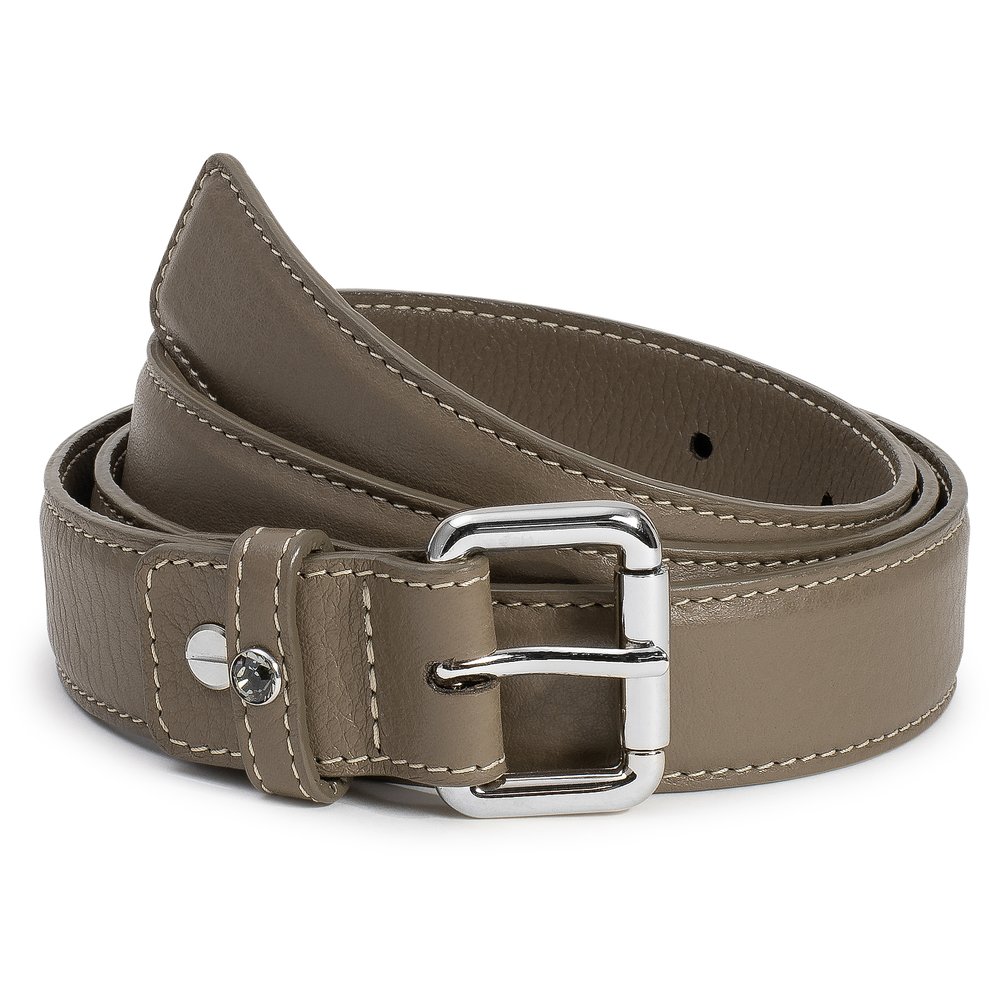
A 360º view adds value when the buyer needs to inspect the product before deciding. It is common for footwear, bags, accessories, small devices, furniture and items with finishes visible from multiple sides.
- Products with three-dimensional design or functional details on the rear.
- Mid- to high-priced items where returns are costly.
- Catalogs with numerous references that need to be presented consistently.
- New products that need to convey shape, construction or mechanism.
By contrast, a simple bottle or a product whose value depends mainly on colour can be better addressed with packshots and detail photography. The decision should be based on buyer behaviour, not the novelty of the format.
How a 360º session is produced
Production begins with a rotation test. The product is placed on a motorized turntable, the camera is secured and the number of positions is set. The same framing and exposure are then repeated on each rotation to ensure a smooth animation.
- Setting the camera angle, height and distance.
- Choosing the number of shots based on size and level of detail.
- Marking the product position and controlling any moving elements.
- Capture with synchronized shooting and rotation.
- Continuity check before retouching the entire series.
360º photography or rotational video: which to choose
360º photography creates an interactive experience: the user controls how far it rotates and where to pause for detail. Rotational video, by contrast, plays a fixed sequence and is well suited for product pages, ads and social media where motion starts automatically.
For an ecommerce product page it is often useful to produce both formats in the same session. The image series feeds the 360º viewer, and editing that same series produces a short video without changing product, lighting or color between deliverables.
Product preparation before photography
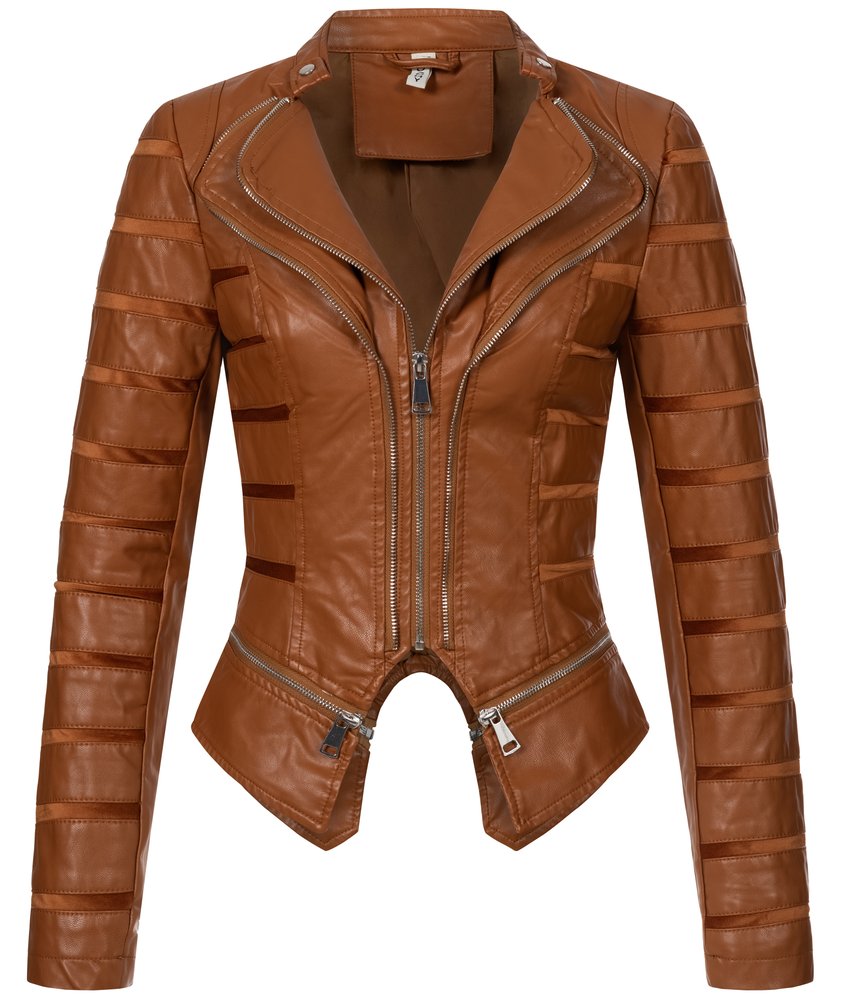
A 360° rotation reveals the entire product. Any wrinkle, crooked label or loose component will appear repeatedly and distract the buyer. Before the session, clean surfaces, check fastenings, remove temporary stickers and confirm that all units are complete.
- Send a reference unit in final retail-ready condition.
- Specify which parts should appear assembled and which are accessories.
- Prepare instructions for garments, hinges, lids and movable parts.
- Confirm colors, variants and the order of the references.
Light, reflections and continuity between frames
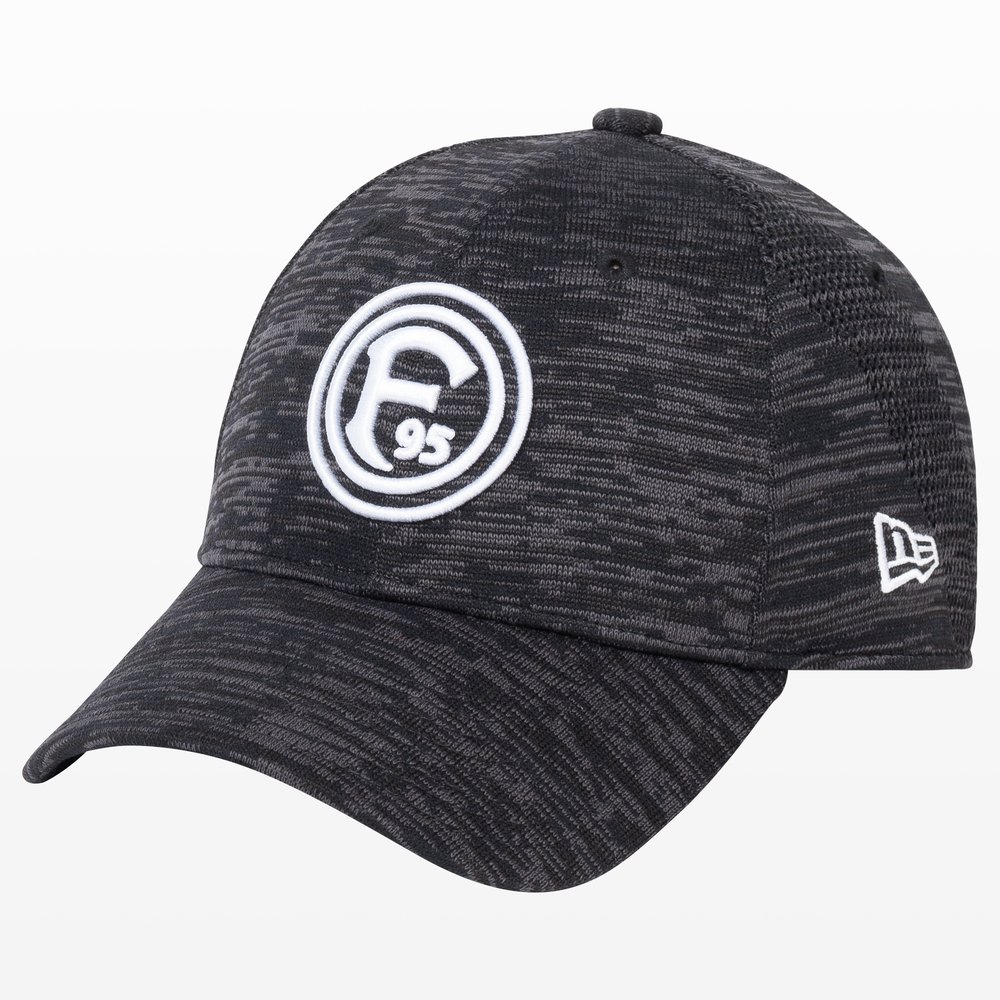
Lighting must remain stable throughout the entire rotation. A change in exposure or a reflection that appears and disappears causes flickering in the viewer. On glossy surfaces, light sources, flags and the environment reflected in the product must be controlled.
It is also important to maintain white balance and the position of shadows. The sequence should look like a single image rotating, not a collection of independent photos.
Formats and deliverables for ecommerce
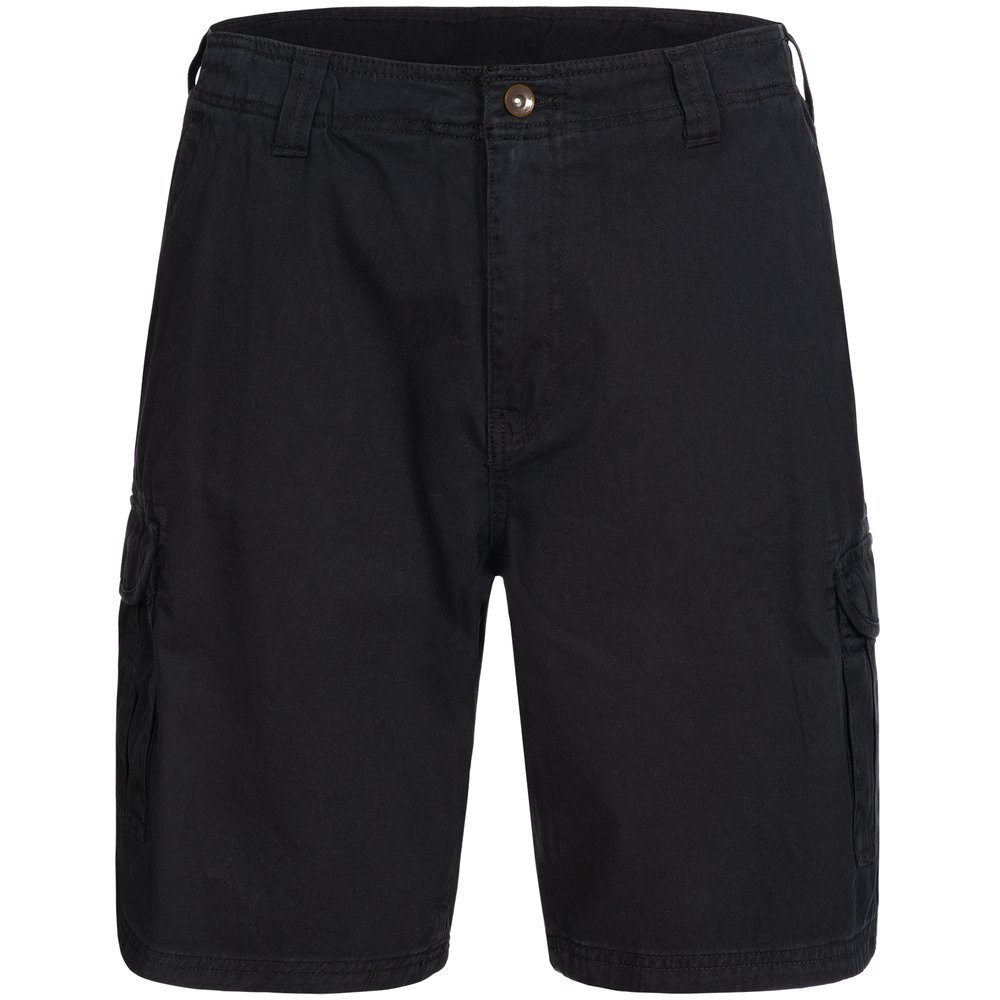
The final format depends on the platform and how the viewer will be integrated. Before exporting, confirm maximum file size, resolution, background, naming conventions, and whether the provider needs individual images, a numbered sequence, or a video.
- Numbered sequence of images with uniform dimensions and color profile.
- MP4 or MOV video with agreed duration and aspect ratio.
- Main images and additional detail shots for the standard gallery.
- Files optimized for mobile without losing sharpness when zooming.
How to integrate 360º into a product page
The viewer should appear near the main images and load progressively. If it takes too long, is too heavy, or doesn't work well on mobile, the experience ceases to support the sale. The thumbnail should indicate that it can be rotated, and the control must respond to touch without blocking page scrolling.
Before publishing, test the product page on mobile and desktop with both fast and slow connections. Also check that the product is not cropped, that the background is uniform, and that the rotation starts at a useful angle for identification.
Checklist and frequently asked questions
- Does the product need to display all its sides to be understood?
- Does the unit sent match the version that will be sold?
- Do the camera, platform, and lighting remain fixed?
- Does the sequence maintain the same size, color, and numbering?
- Does the viewer work correctly on mobile?
- Have weight, compression, and background been checked before delivery?
A well-planned 360° production does not replace all product photographs. It complements them. The most useful combination typically includes a clean main image, material detail shots, a usage scene when it adds context, and an interactive view when the shape deserves to be explored.