
Packshot, Flat Lay and Ghost Mannequin are not interchangeable styles. Each format answers a different buyer question: what they will receive, how the product is constructed, or how the garment fits. In this guide we compare their advantages, limitations and uses so you can choose the most cost-effective format for each product reference.
Contents
What is a packshot and when to use it
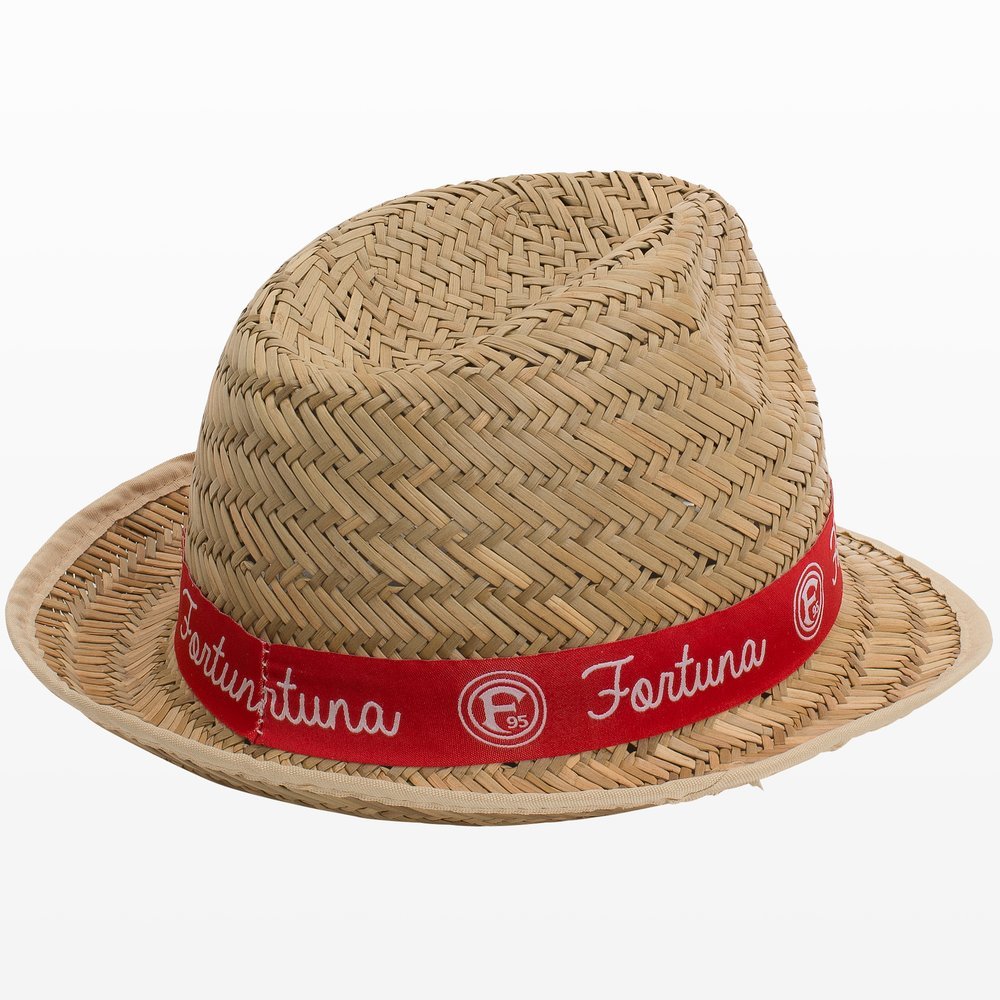
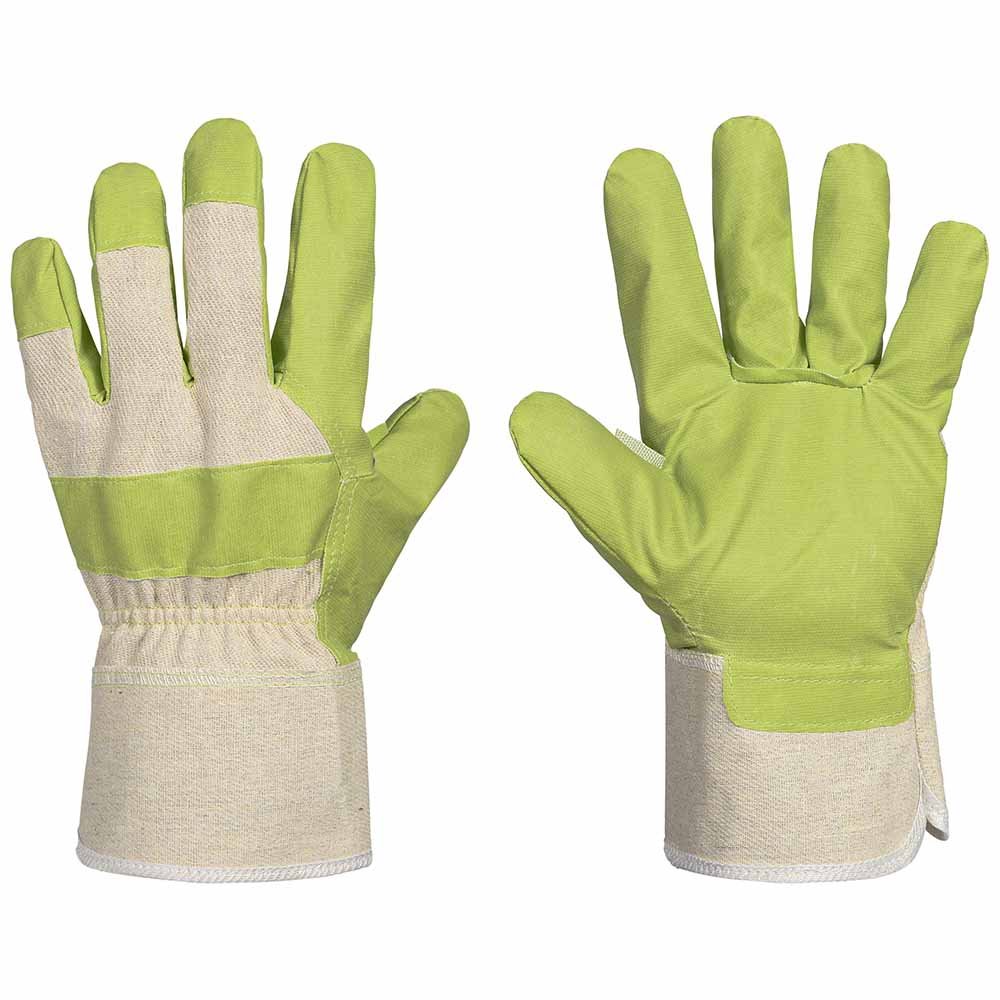
A packshot shows the product in isolation, typically on a white, neutral or transparent background. It is the most straightforward format for an ecommerce product page because it allows the shape, color and proportions to be recognised without other elements competing for attention.
Choose a packshot when the customer needs to compare product references, read packaging information, or precisely identify what’s included in the purchase. It is also the most reliable base for marketplaces that require a clean, consistent main image.
Its limitation is that it conveys little about usage. If the product involves assembly, scale, or a texture that’s hard to interpret, it’s advisable to add a detail shot or a contextual scene.
Flat Lay: composition, variety and content
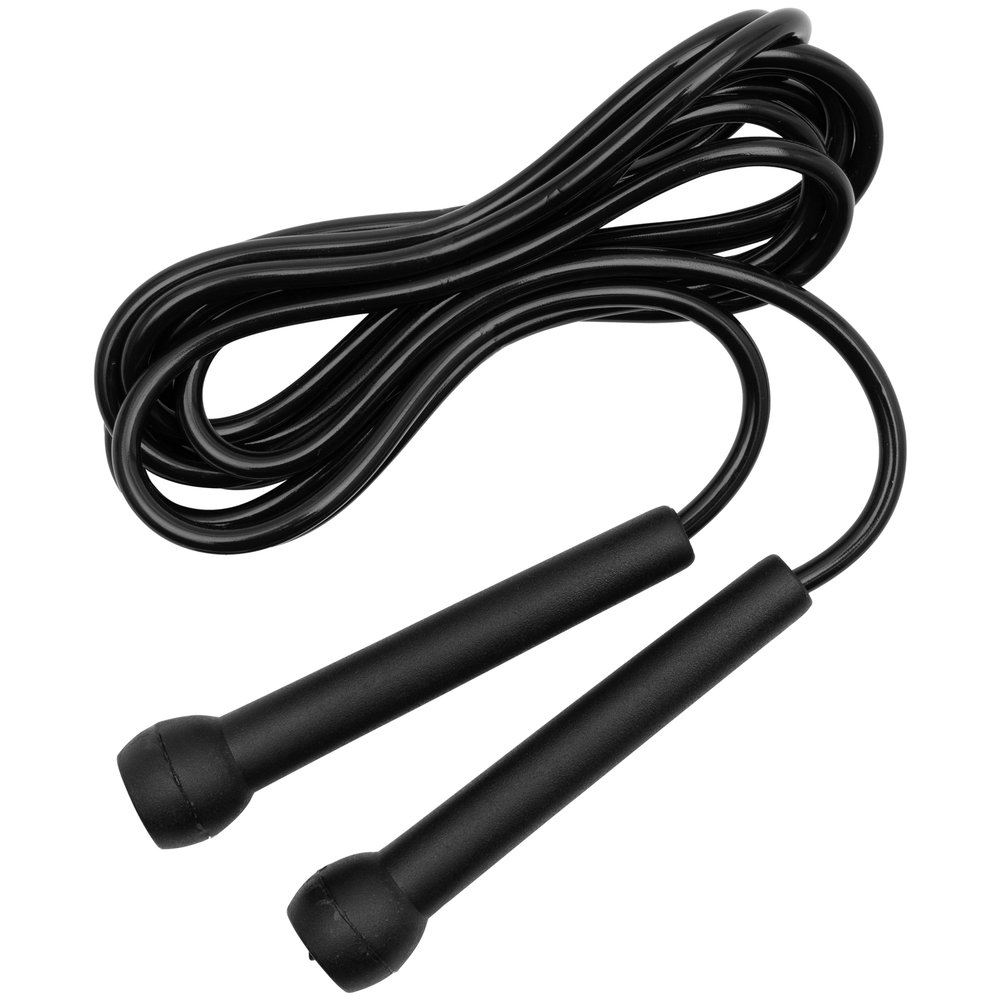
A Flat Lay is photographed from above and arranges the product together with its parts, accessories or supporting elements. It is useful for showing sets, kits, coordinated garments and items whose value lies in the combination of multiple components.
The composition should look orderly but not artificial. Leave space between items, maintain a comprehensible scale and avoid including objects that are not part of the pack. For a catalog, repeat the same grid and the same light direction across all references.
A Flat Lay does not always replace a packshot. If the channel requires a frontal view or the buyer needs to read a small detail, add a complementary technical photograph.
Ghost Mannequin: volume without a visible mannequin
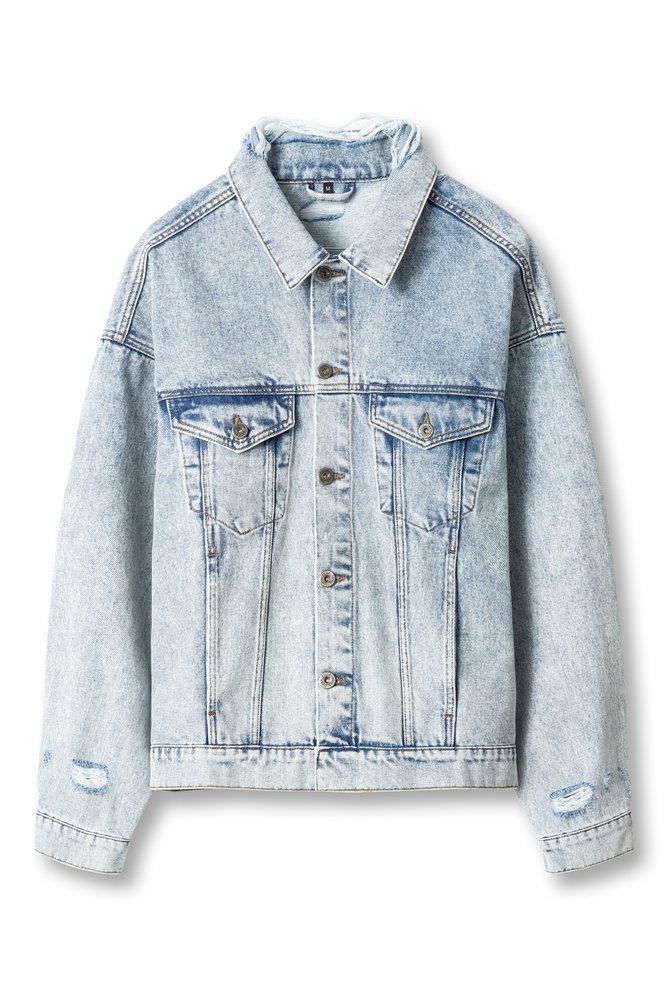
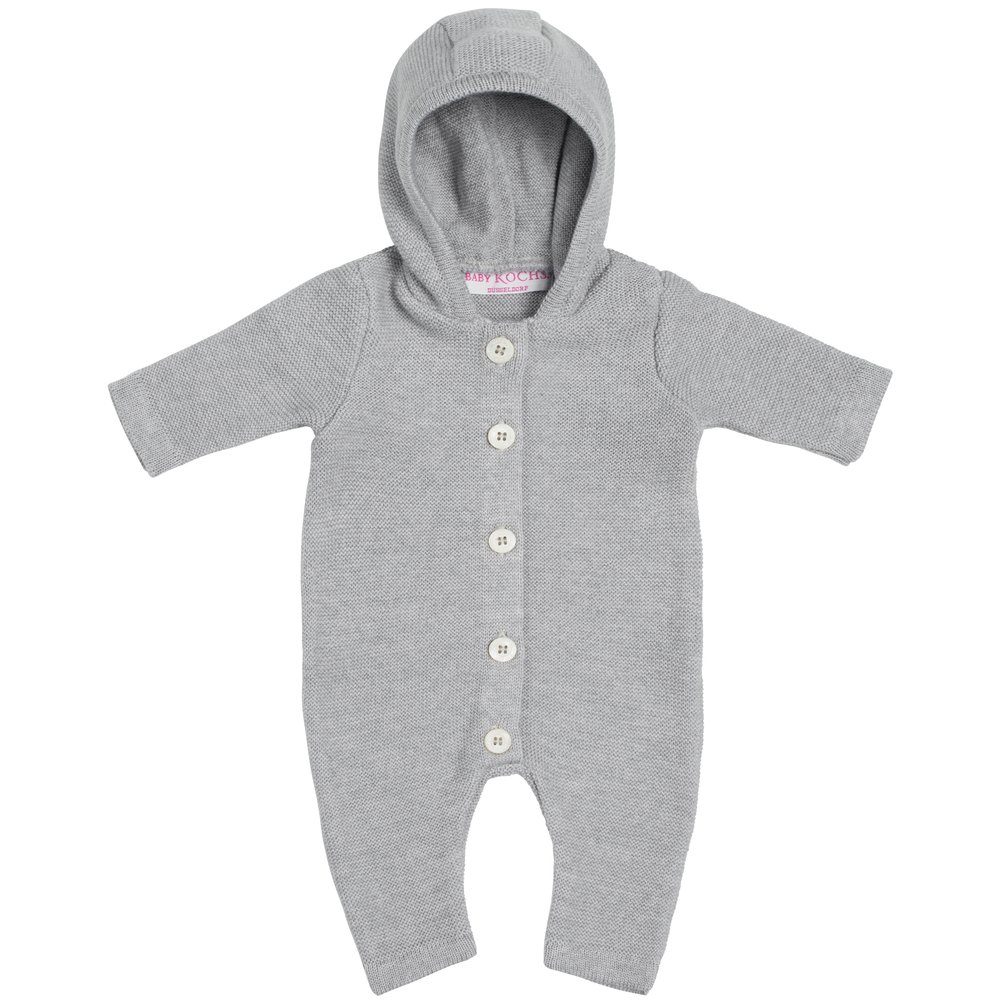
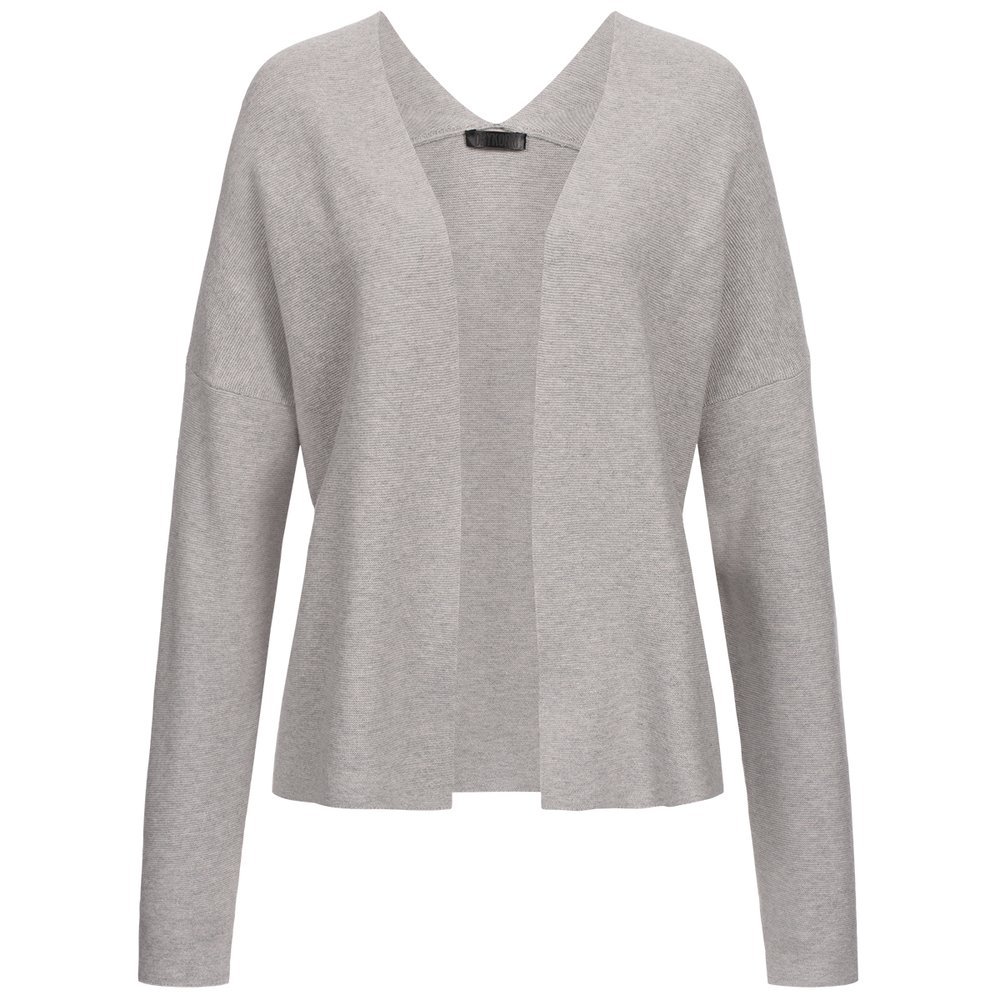
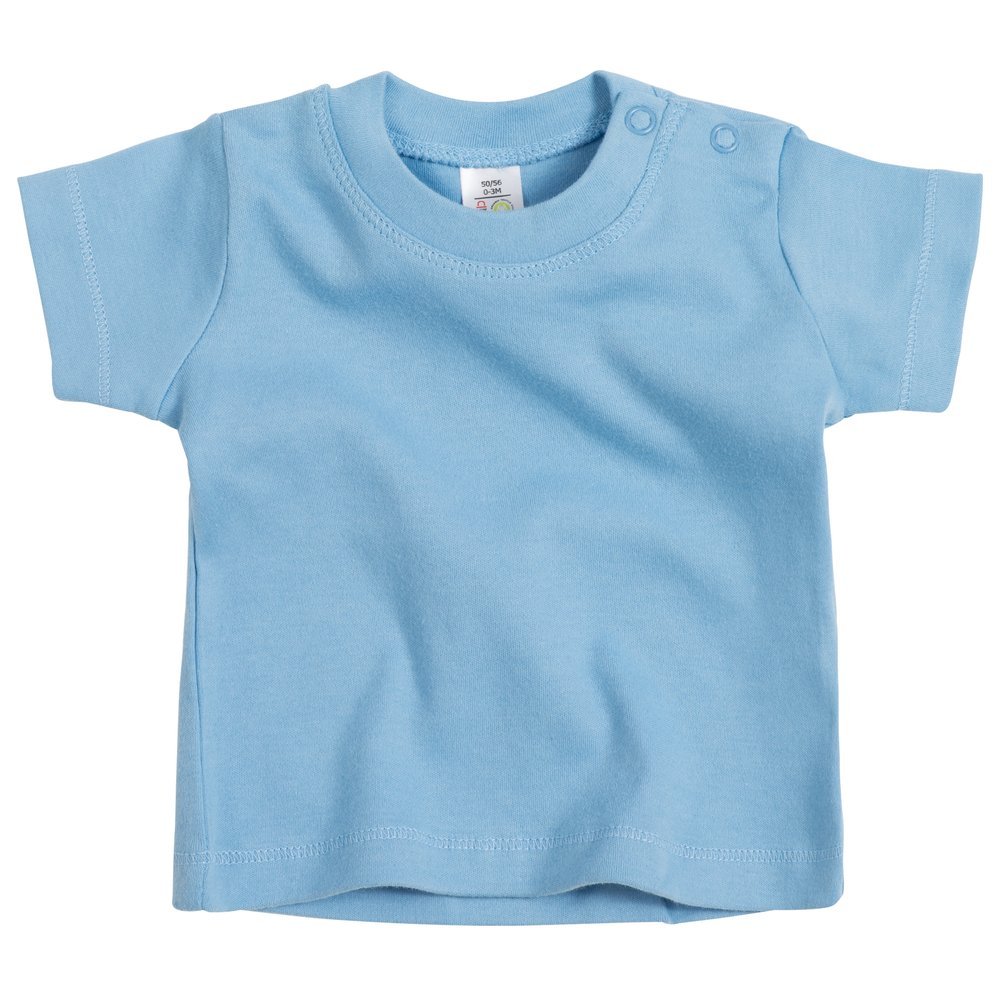
The Ghost Mannequin is used mainly in fashion. The garment is photographed on a form or mannequin and the support is then visually removed to preserve the volume of the collar, sleeves and interior. The result appears as if the garment is being worn, while maintaining a clean background.
This format is effective when cut and fit are decisive purchase factors. It shows how a T‑shirt, jacket or dress falls without introducing the style of a specific model. It also helps maintain a consistent presentation across multiple sizes or colors.
It requires more preparation and retouching than a simple packshot: ironing, positioning, inner shots and precise editing. If the garment is very flat or the main detail is its texture, combine Ghost Mannequin with close‑ups.
How to choose the right format
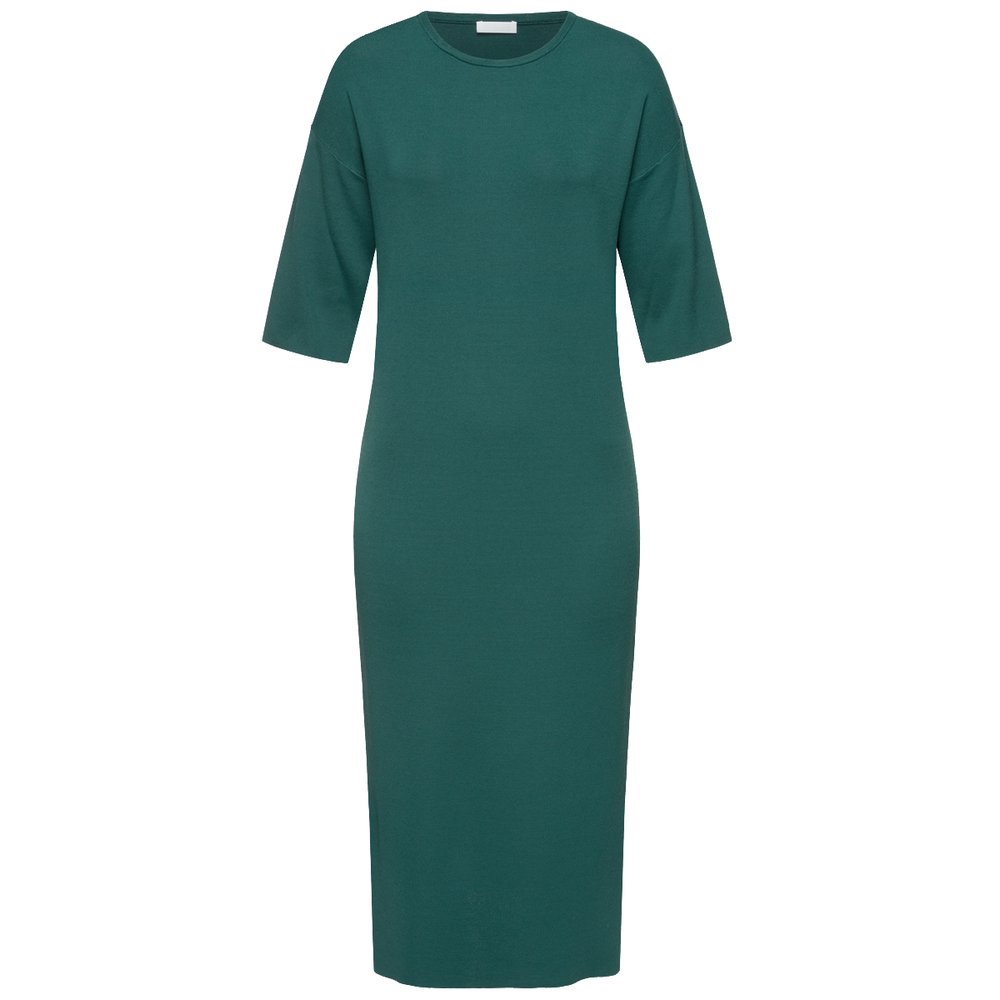
Start with the question the image needs to answer. If the priority is identification and comparison, a packshot is usually the first choice. If you need to explain an outfit or the contents of a box, a Flat Lay provides more information at a glance. If you sell fashion and need to show the silhouette, the Ghost Mannequin is typically more persuasive.
Next, review the publishing channel. Your own e‑commerce site lets you distribute information across several images, while a marketplace may give more weight to the initial views and impose specific background rules. The right format is the one that works within those conditions—not the one that is most eye‑catching in the abstract.
Product, category and channel
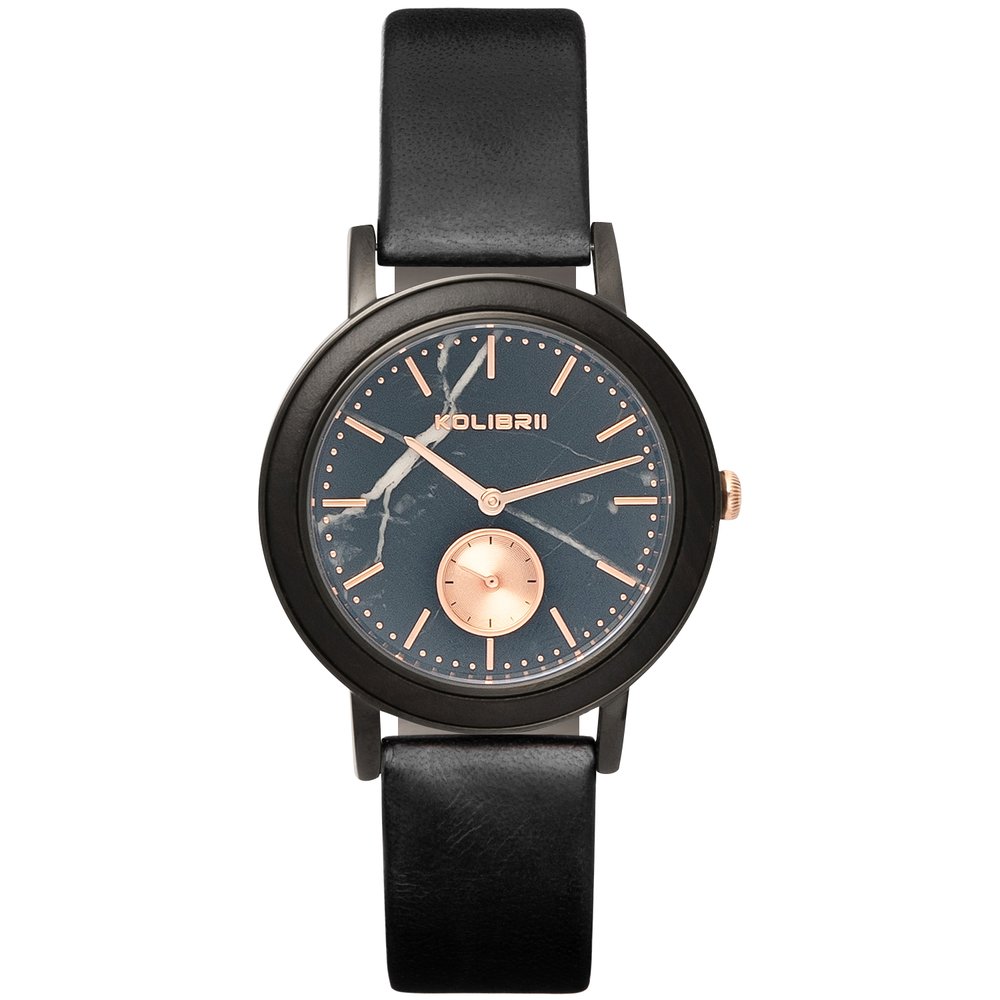
The same item may require different formats depending on how it’s sold. A watch or small accessory typically benefits from a highly precise packshot and a close‑up of the finish. A parts kit needs a Flat Lay composition that clearly shows what’s included. A garment needs volume, a back view and fabric details.
Also consider the gallery order. Lead with the image that enables recognition of the offer, then the one that answers the most important question, and reserve lifestyle or in‑use scenes for when the product’s shape is already clear.
Common mistakes when choosing a format
A common mistake is using an attractive scene as the main image when the product ends up small or partly hidden. Another is mixing backgrounds, scales and color temperatures until the product references appear to belong to different brands.
You should also avoid a Flat Lay overloaded with objects, a Ghost Mannequin lacking volume, and a packshot with shadows that change from one reference to another. Photography should be attractive, but above all it must be clear and faithful.
If two formats serve exactly the same function, keep the one that is quicker to reproduce and easier to adapt to other channels.
Workflow to produce a consistent series
Before the shoot, create a table with SKU, chosen format, required views, channel and retouching notes. Make a test reference to set scale, lighting, distance and background; then replicate that criterion across the entire series.
Save files with consistent names and review the photographs on a large screen before dismantling the set. This way you can spot a crooked label, a hidden seam or a missing piece while the product is still in the studio.
Final checklist before publishing
Does the first image allow the product to be identified at small sizes? Does the format show what the customer needs to know? Are all included pieces clearly distinguishable? Are the scale, color and background consistent? Does the photography comply with the channel's rules? Does the final file preserve detail and avoid being cropped?
Frequently asked questions
Can I combine formats within the same gallery? Yes. The usual approach is to open with a packshot and use Flat Lay, Ghost Mannequin or a lifestyle/usage scene to answer different questions.
Is Ghost Mannequin suitable for any garment? Not always. It works best when volume and cut are important; for very lightweight garments a well-prepared packshot may be sufficient.
How many images do I need? There is no fixed number. Choose a concise sequence where each image adds new information and eliminate repetitions.
Conclusion
Packshot, Flat Lay and Ghost Mannequin can coexist within the same strategy, but they shouldn't be mixed indiscriminately. First define the question you need to answer, adapt the format to the product and the channel, and maintain consistent execution. This ensures each photograph works to sell, not merely to fill the gallery.