
Product photography retouching is not about turning a real image into a perfect illustration. Its purpose is to clean, adjust and prepare each file so the product looks clear, appealing and true to what the buyer will receive. A professional service combines visual judgment, technical precision and a well-defined review workflow.
The amount of retouching depends on the product, the publishing channel and the finish the brand requires. In this guide we explain what a comprehensive service should include and what should be agreed before starting a production.
Contents
What a professional retouching service includes
A professional service begins with a review of the images and the commercial objective. A main marketplace image is not retouched in the same way as a lifestyle scene for a campaign. Before editing, framing, background, space for text, level of cleanliness and delivery format are defined.
- Selection of the best shots and discarding of duplicates or images with defects.
- Correction of exposure, contrast, sharpness and minor optical deviations.
- Removal of dust, fibers, temporary marks and accidental reflections.
- Cropping, alignment and background preparation according to the channel.
- Export of final files and quality review.
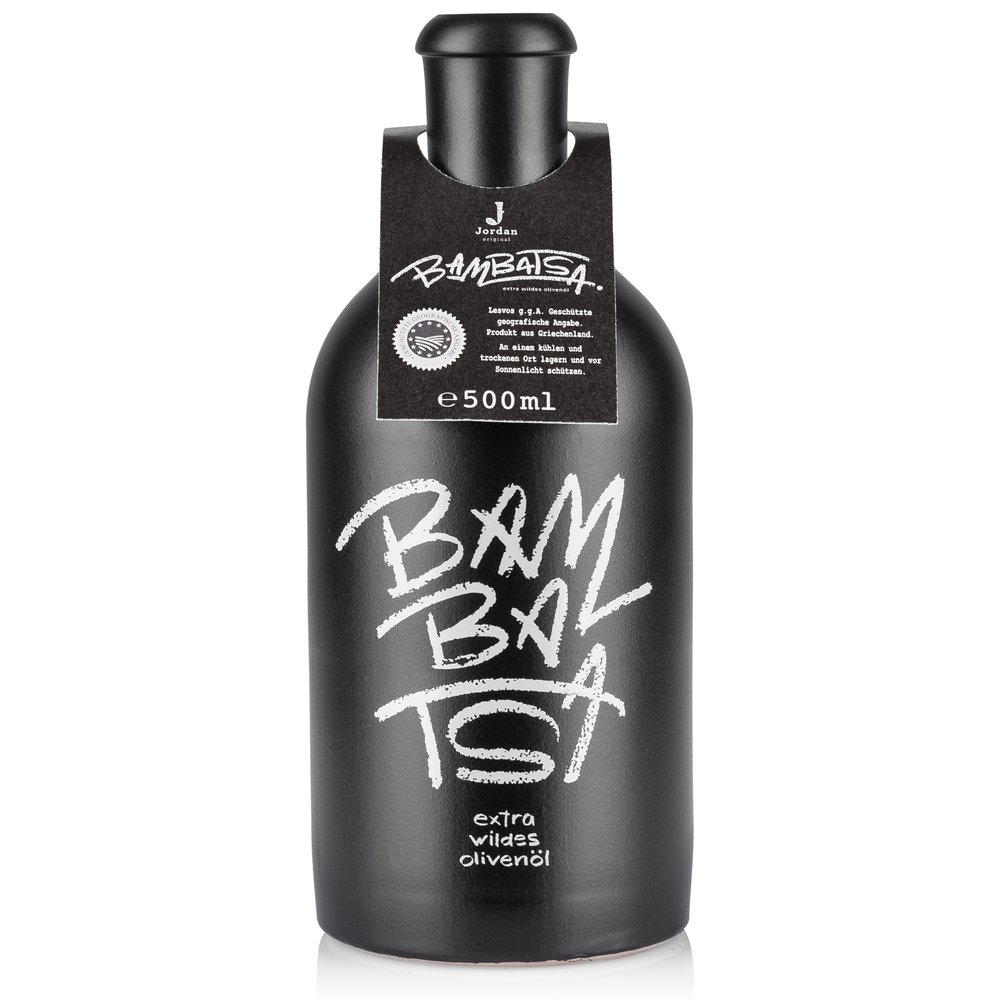
Selection and preparation of files
Editing begins before opening Photoshop or any other application. It's advisable to work with the highest-resolution original files and keep an unmodified copy. If there are multiple exposures or shots of the same product, the retoucher must know which is the approved reference.
Clear naming prevents errors: product, color, angle and take number should appear in the filename or production sheet. It's also useful to separate main images, detail shots and lifestyle scenes into different folders.
Technical corrections that provide real value
Technical corrections recover information and make a series more consistent. They include adjusting uneven exposure, straightening lines, correcting a color cast from lighting, or improving sharpness when the shot allows. These interventions should be moderate: an overly contrasted image can lose texture and appear artificial.
- Straighten the product and correct minor perspective distortions.
- Balance highlights and shadows to preserve volume.
- Reduce noise and apply selective sharpening to key edges.
- Standardize the scale and position of multiple references.
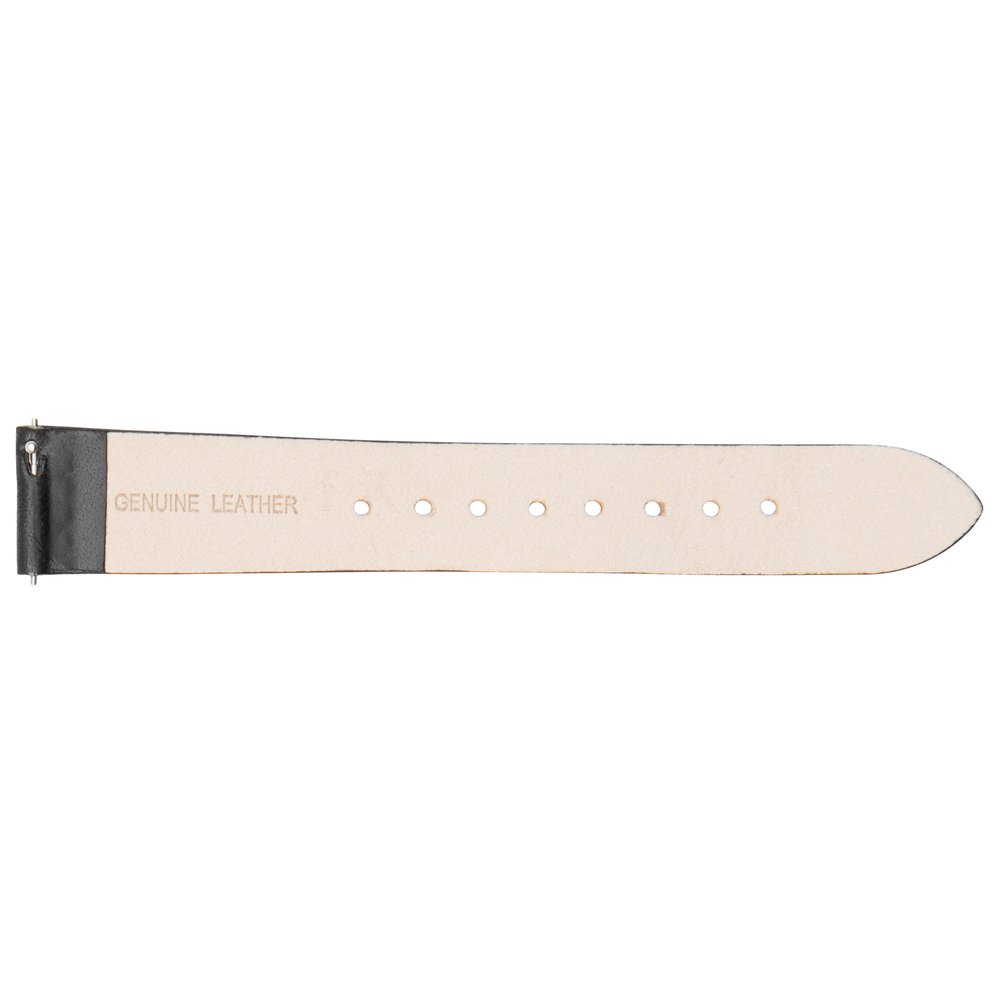
Cleaning, dust and minor imperfections
Dust, fibers and fingerprints become very visible when the image is enlarged. Retouching can remove temporary elements that are not part of the product, but it should preserve marks, seams, pores and the details the buyer needs to see.
On metallic or glossy surfaces, work is done carefully to avoid erasing volume. It is preferable to correct a localized reflection and preserve the light transition that defines the form. In fabrics, an accidental crease can be softened, but it is not advisable to remove the natural texture.
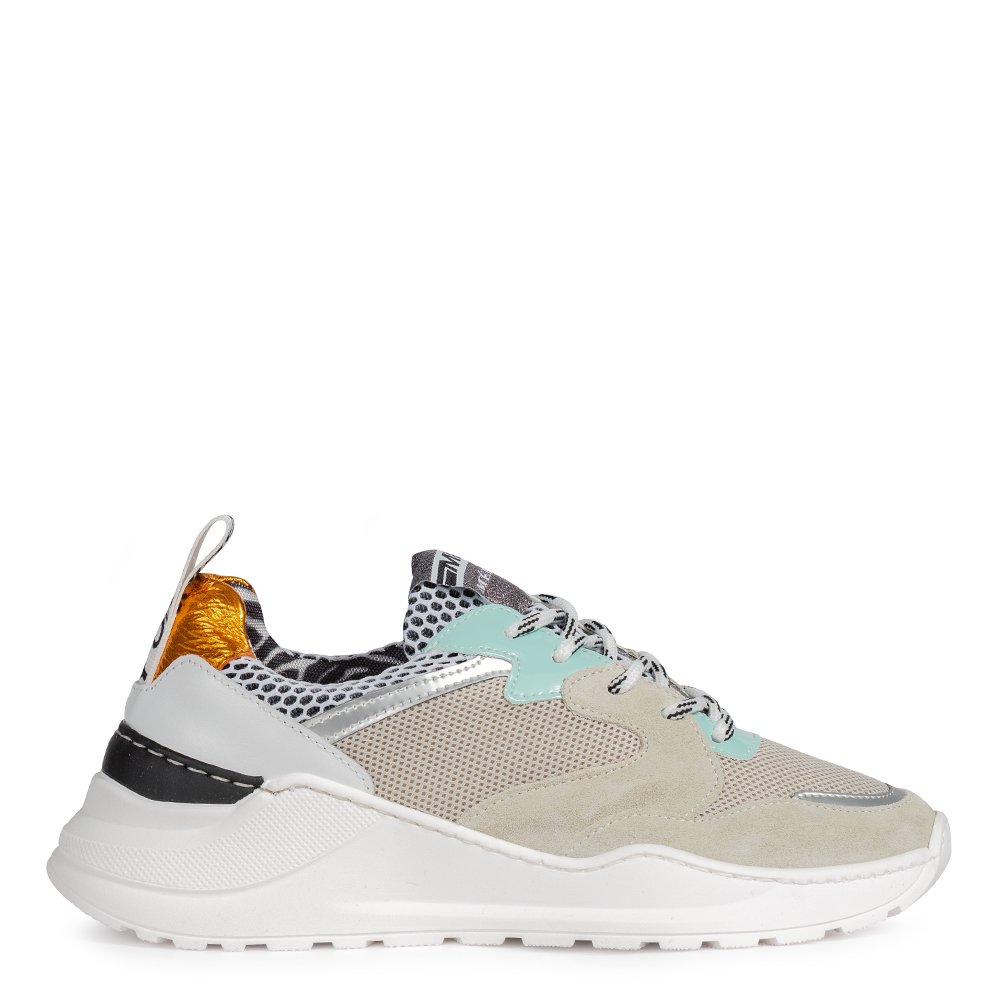
Color and product fidelity
Color should be compared with the real sample, a control chart, or an approved reference. Professional retouching corrects color casts, adjusts balance and preserves the relationship between tones, but does not invent a new color to make it more striking.
Key idea: Retouching should bring the image closer to the real product, not to the most attractive color on a screen. Fidelity reduces returns and safeguards brand trust.
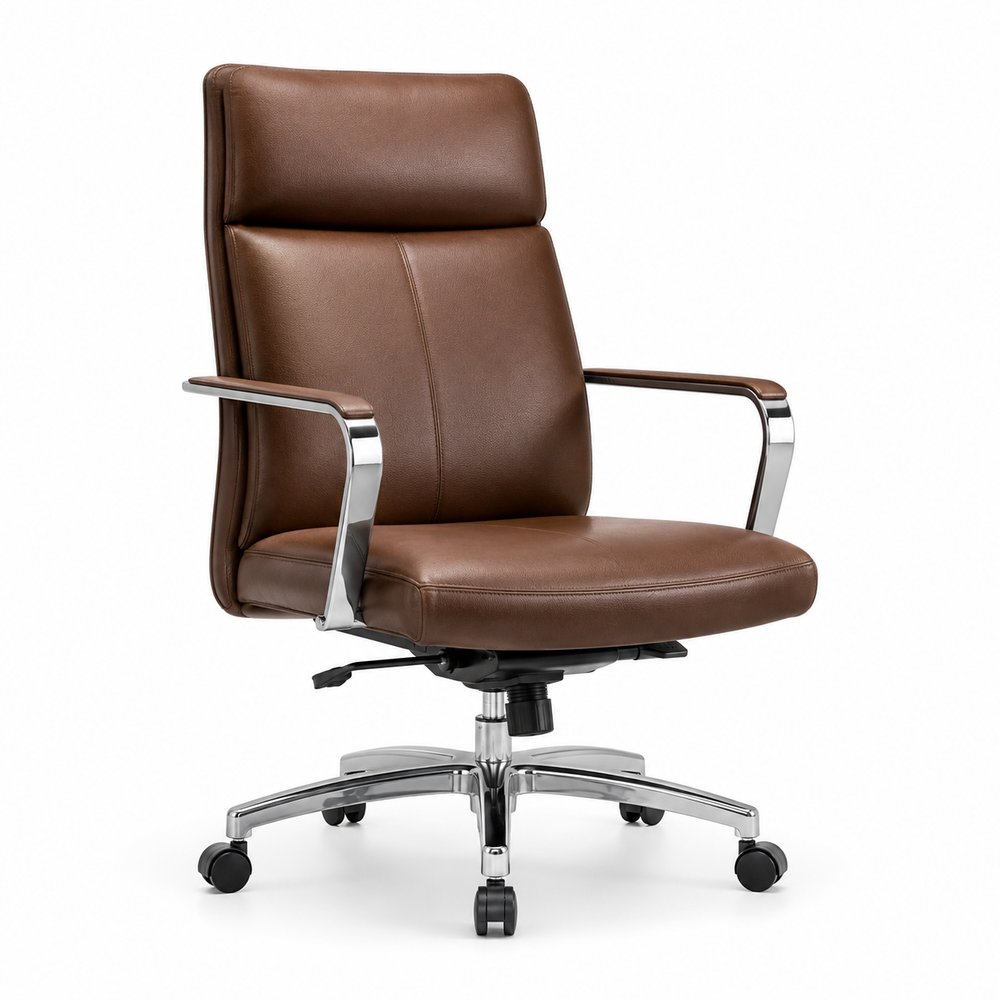
Backgrounds, cutouts and composition
The cutout must respect the silhouette, edges and parts that identify the product. For a main image a clean white background may be necessary; for a lifestyle scene, retouching can balance the environment without artificially separating the product.
- Do not cut off handles, soles, lids or included accessories.
- Keep a soft shadow when it helps to convey volume.
- Leave the requested space for text or design elements.
- Maintain consistent margins and scale within a gallery.
Formats and versions for each channel
A single image may need multiple versions: square for a product listing, vertical for social media, horizontal for a header, or a high-resolution copy for print. The key is to start from a master file and produce each size without distorting or cropping out important details.
Before exporting, check the color profile, resolution, file size and final filename. If the marketplace has specific limits, include them in the brief to avoid a second round of work.
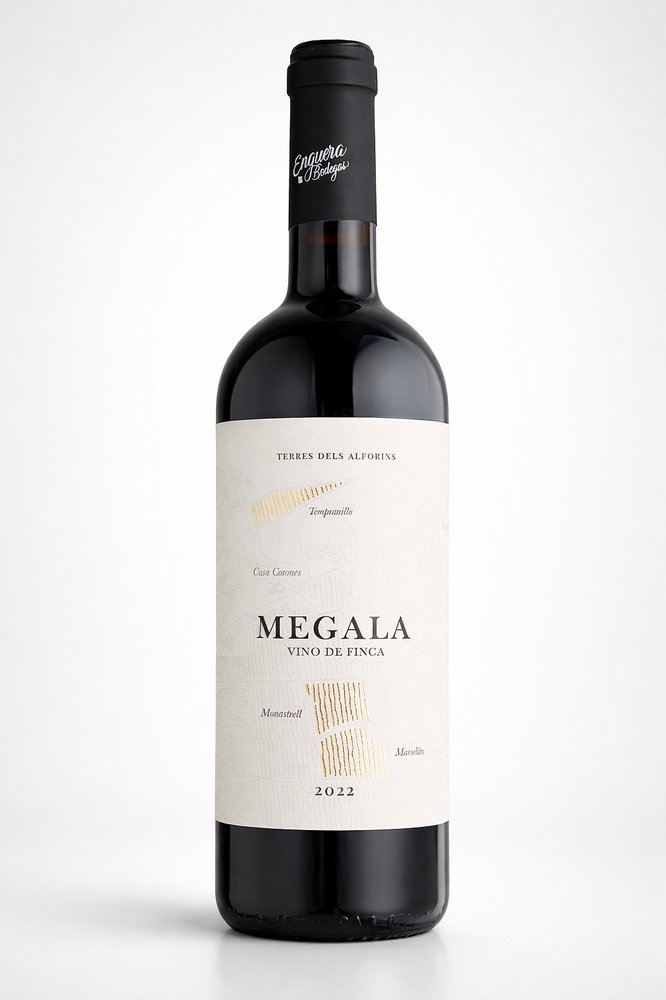
Professional review and delivery
The final review should check both aesthetics and technical requirements. It is advisable to compare the image with the physical sample, inspect edges at 100%, and open several files on the device or platform where they will be published.
- Verification of color, proportions and product details.
- Verification of filenames, folders and versions.
- Review of transparencies, backgrounds and color profiles.
- Delivery via an organized folder with clear instructions.
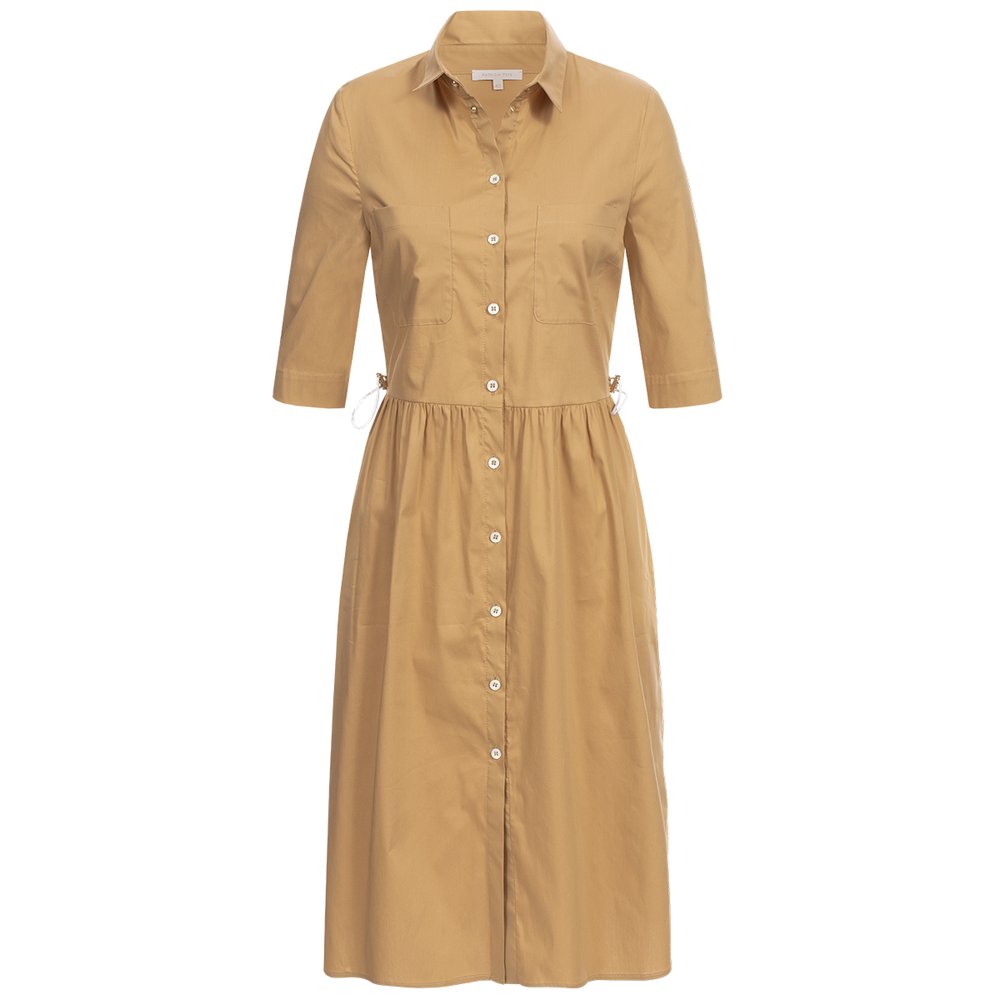
Checklist and Frequently Asked Questions
- Has the level of retouching been defined before starting?
- Do the physical sample and the image match in color?
- Are texture, scale and important details preserved?
- Do the background and cropping comply with the publication channel?
- Have all files and their names been reviewed?
- Does the delivery include the agreed versions and formats?
Does the retouching include changing the product color? Only if its an agreed creative adaptation. For a commercial product listing, the color must remain true to the sample the customer will receive.
Can I request changes after delivery? Yes. The most effective approach is to consolidate all observations into a single round and annotate each file with a specific instruction. This helps maintain control over the schedule and the budget.
If you require retouching for a catalog, e-commerce site or marketplace, send us the images, references and the channel’s requirements. We will assess the workload and provide a clear proposal.