
Product photographs are an essential part of any Amazon listing or marketplace product page. They should not only look professional: they must help explain the product, comply with each platform’s rules and maintain a consistent appearance across the entire catalog. In this guide you’ll find Amazon’s most important requirements, the errors that can cause an image to be rejected, and a practical method to prepare a commercial shoot.
Contents
- What Amazon requires in a product image
- Format, size and color
- Main image: the white background rule
- What additional images should show
- Visual examples for marketplaces
- Errors that reduce conversion
- How to prepare an effective shoot
- How to calculate the cost
- Pre-publishing checklist
- Frequently asked questions
What Amazon requires in a product image
Amazon distinguishes between the main image, which appears in search results, and the additional images on the product page. The official Amazon product image guide states that each product must have at least one main image that meets its standards. The platform itself recommends adding more images and a video so the buyer can better evaluate the item.
This has a practical consequence: it’s not advisable to produce a single attractive photo and leave the rest for later. The shoot should be planned as a set of images that answers specific questions: what the product includes, its scale, how it looks from the back, its texture and how it is used.
Format, size and color: the technical basics
An image can be attractive and still fail during upload if the file is not prepared correctly. For Amazon and other marketplaces, it’s advisable to work from the start with final files in RGB and with a resolution sufficient to enlarge details.
- Format: JPEG is the most practical option for a catalog; Amazon also accepts TIFF, PNG and non-animated GIF.
- Dimensions: Amazon’s current guide sets a minimum of 500 pixels and a maximum of 10,000 pixels on the longest side. From 1,000 pixels the zoom function is enabled.
- Resolution: the file must have at least 72 dpi and be sharp, without pixelation or jagged edges.
- Color: Work in RGB or sRGB and check white balance. CMYK files are intended for print and can cause color shifts on screen.
- Compression: Save the JPEG at the highest reasonable quality and avoid opening and resaving it repeatedly, as each recompression reduces detail.
Before exporting, remove unnecessary layers, check the color profile and view the file on a calibrated monitor. This way the product listing will more closely match the actual product and there will be fewer returns due to incorrect expectations.
The main image: the white-background rule
The main image must immediately identify the product both in search results and on the product page. For most categories, Amazon requires a pure white background with RGB values 255, 255, 255. The item should occupy approximately 85% of the frame, appear complete, and retain its true scale and color.
- Show a single unit of the product, except for accessories that are actually included.
- Do not crop any edge, handle, sole, lid or detail that is part of the item.
- Do not add text, prices, logos, promotional seals or marketplace badges.
- Do not use props that could imply they are included with the purchase.
- Avoid showing mannequins in the main image. For adult clothing, the category guide may allow a person standing, but you should always check the specific rule.
A white background does not mean the photo must be flat or lacking detail. Depth, texture and a carefully controlled shadow can be applied in secondary images, while the main image maintains a clean, comparable appearance.
What additional images should show
Additional images have more visual freedom, but must not contradict the main image. Their function is to answer the questions that arise after the first glance.
- Angles: Front, back, side, top or bottom views when they help explain the shape.
- Details: Seams, fastenings, materials, finishes, controls, labels or included accessories.
- Scale and use: A contextual scene or a photo with a model can explain the size and how the product is used.
- Variants: Show different colors or package options separately; do not mix product references in the same image if that could confuse customers.
- Consistency: Maintain the same color temperature, contrast, proportions and level of retouching across the entire gallery.
For Amazon, an additional image must also represent exactly the product being sold. Do not include reviews, claims such as "best seller", shipping information, or elements that resemble a commercial promise from the platform.
Visual examples for marketplaces
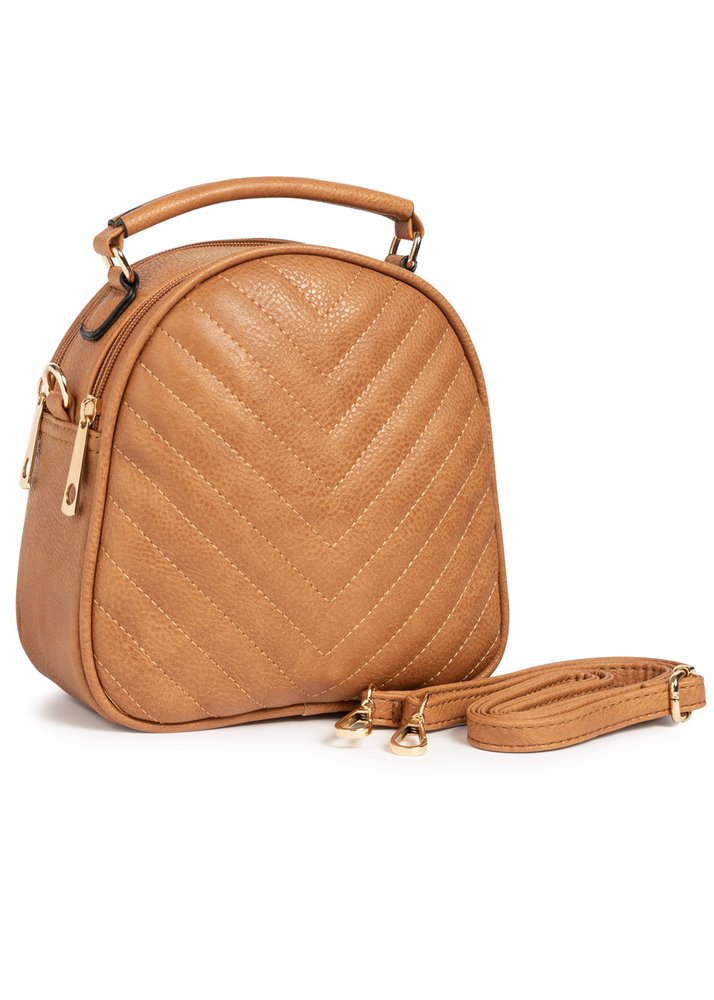
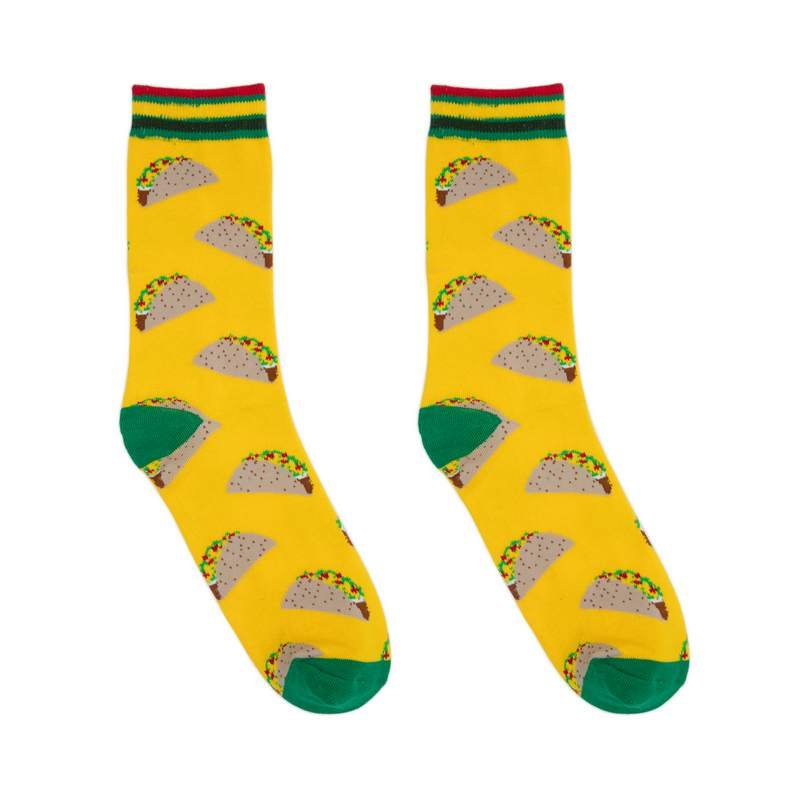
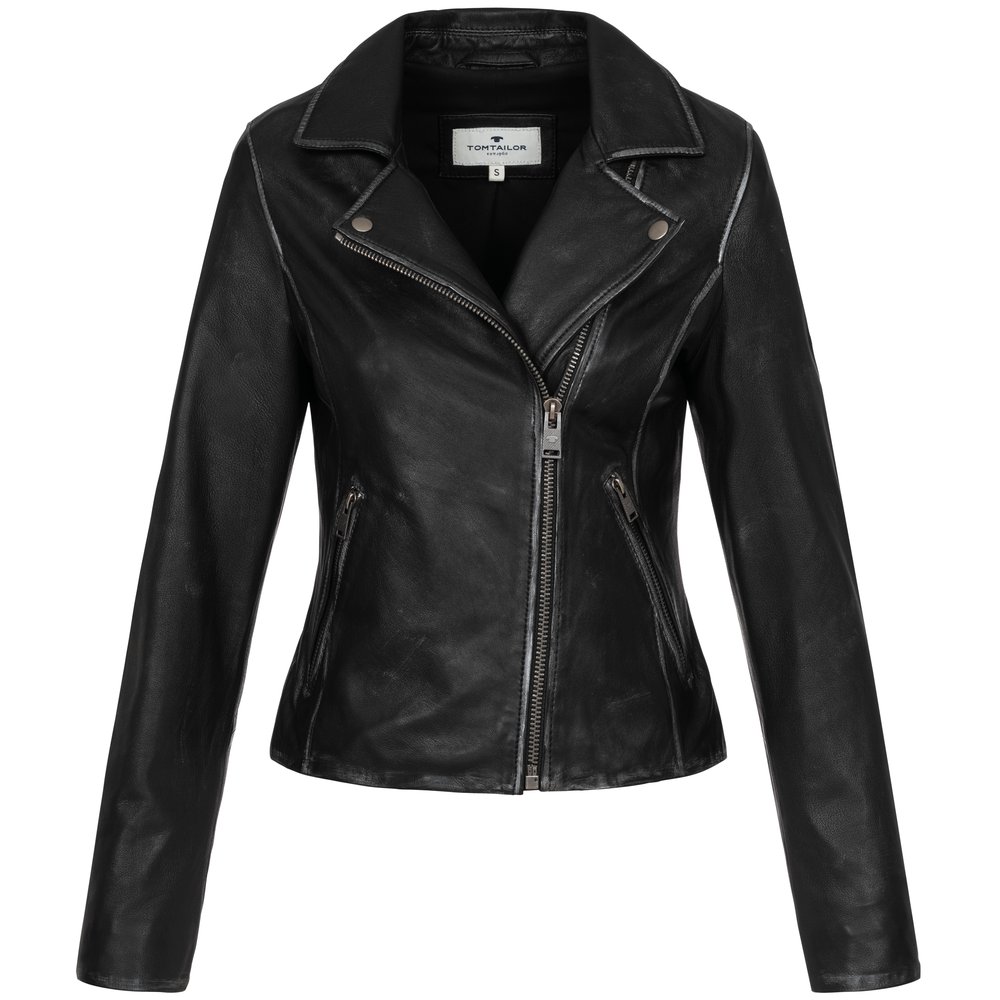
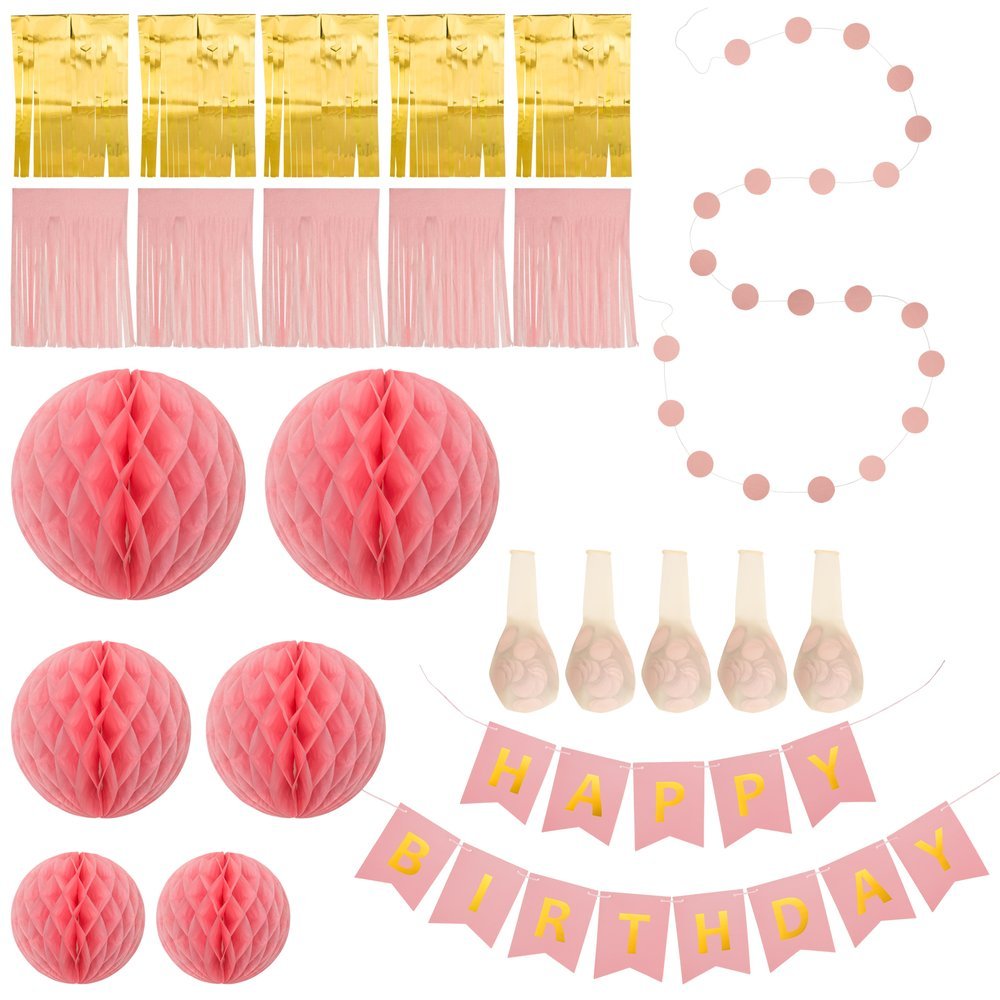
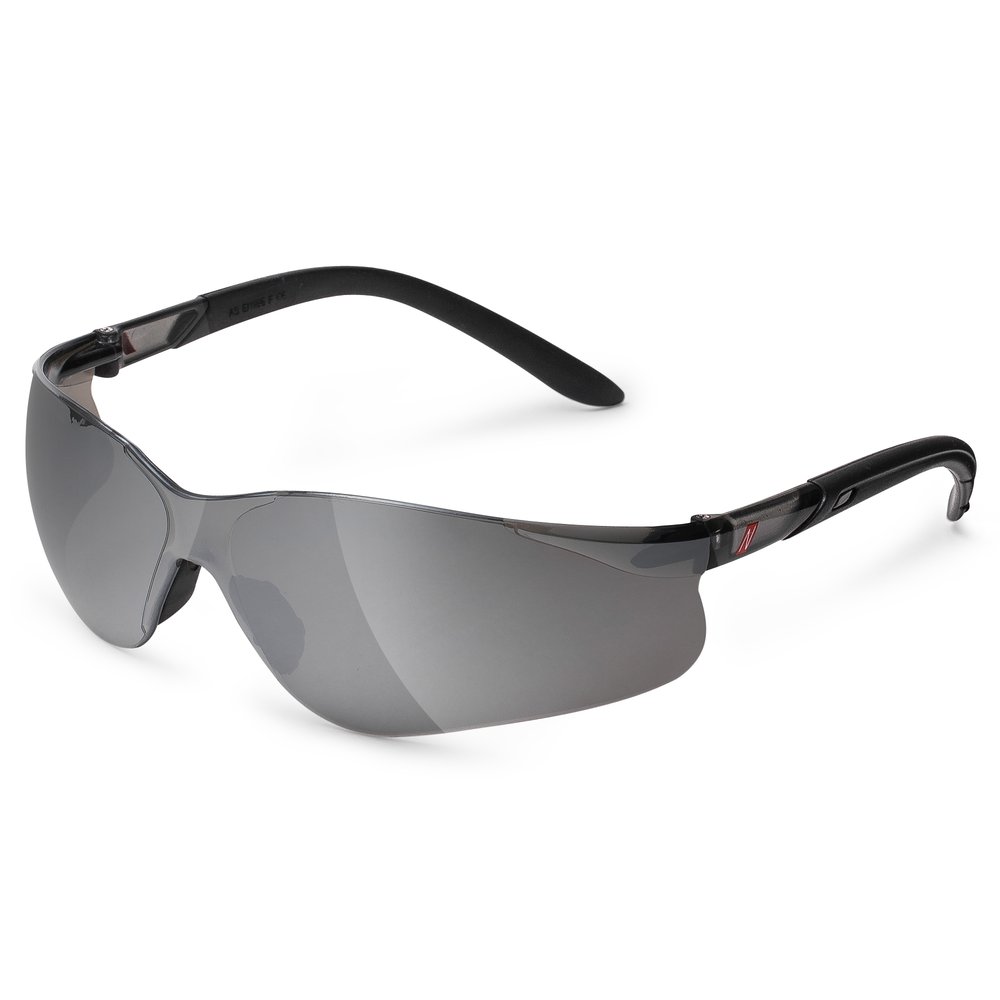
A professional gallery combines clean images, detail shots and scenes that help compare products without compromising the brand's identity. These photographs from the Epic Studio portfolio show categories commonly sold in ecommerce.

Errors that reduce conversion rates
An image rejected by the platform is a technical issue; an image that is published but fails to address the customer's questions is a commercial issue. These are the most common mistakes:
- Cropping the product to fill the frame. The item should be shown whole and retain its true proportions.
- Using the same file for all variants. Color, size and package contents must match the reference.
- Mixing backgrounds and color temperatures. The gallery appears improvised, making it harder for buyers to compare.
- Exporting in CMYK or with excessive compression. Color shifts and fine details are lost.
- Adding text inside the image. Banners, discount percentages, phone numbers and promotional badges can violate marketplace rules.
- Displaying accessories that are not sold. The customer may assume they are part of the package and request a return.
How to prepare an effective shoot
Final quality is determined before the lights are turned on. A concise yet precise brief avoids repeating shots and enables a more accurate budget estimate.
- Gather the SKU, product name, variants and the channel where it will be published.
- Define a main image and a list of additional views for each product reference.
- Specify whether you need packshot, flat lay, model, Ghost Mannequin, lifestyle or video.
- Send products clean, complete and with assembly or usage instructions.
- Approve a style reference before producing the entire series.
- Request an export test and check the color, size and filename.
If the same series will be published on Amazon, Shopify and other marketplaces, it's advisable to create a high-resolution master and then prepare channel-specific versions.
How to calculate the cost of photography
The price depends on the type of image, the number of product references, the views per product, preparation, retouching and the deadline. At Epic Studio we work with indicative starting rates: footwear and photography with model from €6 per photo, accessories from 8 €, Hollow Man clothing from 9 €, flat lay from 10 €, AI photography from 2 € and product video from €50 per video.
For example, 30 footwear images start at €180 before taxes. The final figure is confirmed once we know the product references, angles and delivery formats. Surcharges may apply for small orders or express services, so it's best to request a proposal with the complete brief.
Checklist before publishing
- Does the main image have a white background when the category requires it?
- Is the product shown complete, uncropped and with the true color?
- Are the files in RGB, sharp and at least 1,000 pixels on the longest side?
- Do the additional images show angles, details and scale without mixing product references?
- Have any texts, badges, prices, or accessories that are not sold been removed?
- Does the filename include the product identifier and the correct variant?
- Does the gallery maintain consistent lighting, proportions, and retouching?
Frequently asked questions
Can I use the same photograph on Amazon and on my online store?
In many cases yes, provided the framing, background, and format comply with the channel's rules. It is advisable to keep the master file and adapt exports when a platform requires a different aspect ratio or information.
Can the main image include a lifestyle scene?
For most Amazon categories, the main image must be clean and on a white background. Lifestyle scenes usually work better as secondary images, although some categories have exceptions. Always check the specific guide for your category.
What happens if Amazon rejects an image?
First check the size, format, background, and any added elements. If the file meets the technical requirements but violates a visual guideline, correct the main image and re-upload it with the correct identifier and variant.
Where can I find the updated rules?
Specifications vary by category and may be updated. Check the product image guide and the technical image file requirements before exporting the final deliverables.
Conclusion
A good photograph for Amazon is not just an attractive image: it is a precise, complete file prepared to sell without causing doubts. If the brief defines the main image, additional views, and delivery formats from the outset, the catalog gains consistency and budgeting becomes much easier to manage.